Copilot demos always show the same moment: a meeting ends, the assistant produces a recap with the decisions taken and the actions assigned, everyone nods. It’s the right scene, for a reason the demos don’t mention. That specific task is also the only one where controlled experiments find a large, stable effect.
On the others, much less.
First: which Copilot
The name covers three different products that get confused constantly, and the confusion leads people to judge one using another’s data.
| Name | What it is | Where it lives |
|---|---|---|
| Copilot (consumer) | Generic conversational assistant | Website, app, Windows bar |
| Microsoft 365 Copilot | Integrated assistant with access to your company data | Word, Excel, Outlook, Teams, PowerPoint |
| GitHub Copilot | Code completion and generation | Code editor |
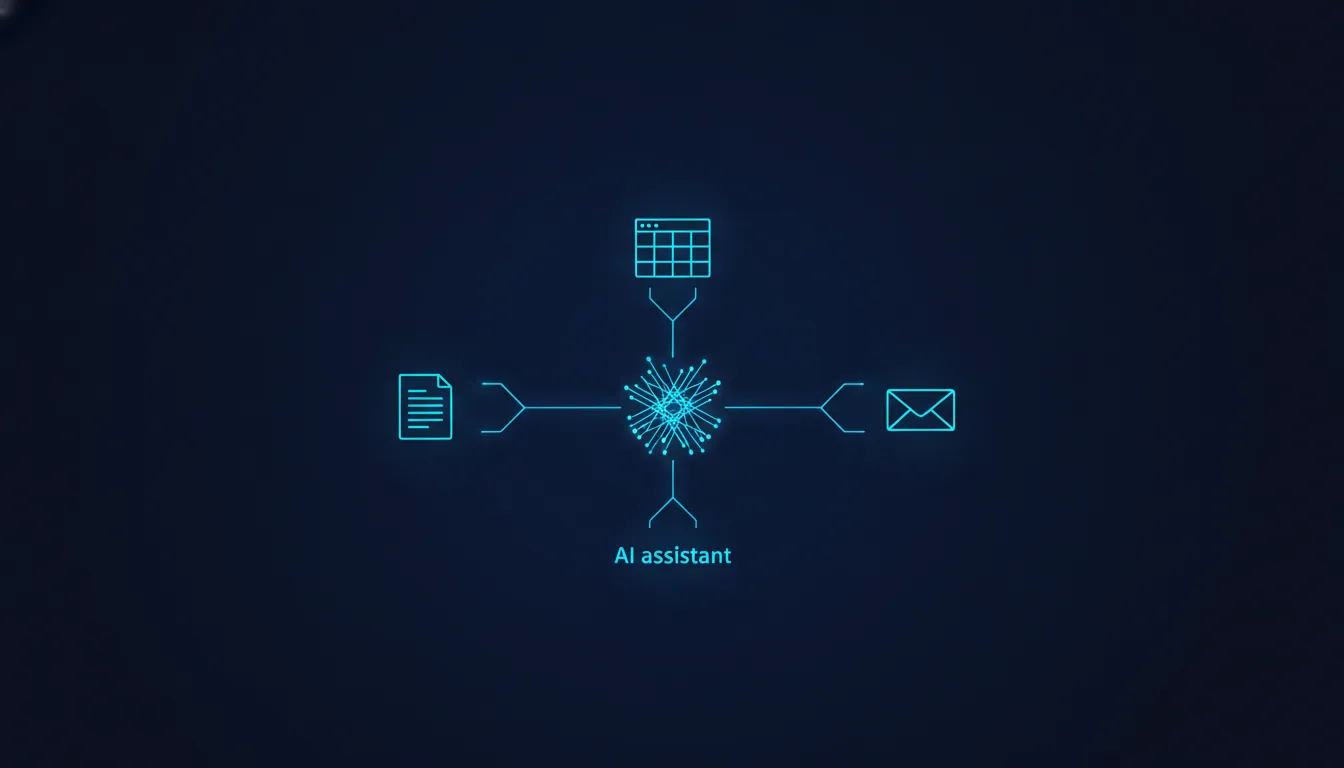
The line that matters is the second: Microsoft 365 Copilot sees your organisation’s content (messages, files, calendar) through the enterprise search index. That’s where its real usefulness comes from, and also why its quality depends on how tidy your company’s data is, not only on the model.
The number Microsoft itself measured
In 2023 a Microsoft research group published a randomised study on knowledge workers using an early version of these tools. It’s worth reading precisely because it comes from the company selling the product: the results are more restrained than a marketing communication would suggest.
The picture that emerges:
- On meeting summarisation the effect is large and clear. Participants completed the task appreciably faster, with better average quality ratings. In the reported estimates, on the order of 30% less time.
- On finding information inside documents and messages the effect is positive but smaller.
- On writing documents results are mixed, and under some conditions the difference isn’t statistically distinguishable from zero.
The pattern makes sense. Summarising is a task where all the necessary material is already given, the correct answer is verifiable in seconds, and the tedious part is purely mechanical. Writing a new document has none of those three properties.
The code case: two opposite numbers
The sharpest data exists for GitHub Copilot, and it’s contradictory only in appearance.
In 2023 Peng and colleagues ran a randomised experiment on 95 developers asked to write an HTTP server in JavaScript. The Copilot group finished 55.8% faster. That’s the number everyone cites.
In 2025 the METR group measured 16 expert developers on 246 real tasks in their own open-source projects. With AI tools they were 19% slower, while believing they had been faster.
The difference isn’t in the tool’s quality, it’s in the task. The first was a closed, standard problem with millions of analogous examples in the training data. The second was changes to large codebases full of implicit conventions. A 2022 study by Vaithilingam and colleagues had already observed something consistent: participants with the assistant did not complete tasks significantly faster, but struggled considerably to understand and repair generated code when it was wrong.
The uncomfortable part: security
Here the numbers are specific and worth knowing, even if you don’t write code yourself, because they describe a general mechanism.
Hammond Pearce and colleagues published in 2022, at the IEEE Symposium on Security and Privacy, a study titled Asleep at the Keyboard. They built scenarios targeting known weaknesses and had the assistant complete the code. About 40% of the programs generated in security-relevant situations contained a vulnerability.
The following year Neil Perry and colleagues published at ACM CCS a controlled study with human participants. Those with the assistant wrote significantly less secure code and, at the same time, were more confident that they had written secure code than the group without it.
It’s the same pattern as the METR speed result: performance drops and confidence rises. It isn’t a defect of one product; it’s a predictable effect of any system producing plausible output in a uniform tone.
The risk isn’t that Copilot gets things wrong. It’s that it convinces you not to check.
Where to use it, and with what caution
- Use it above all for summaries. Meetings, long email threads, documents you have to read but not study. It’s the use with the best evidence, and as it happens also the least risky.
- Give it the context you have and it doesn’t. Who’s reading, what for, what has already been decided. General guidance is in writing effective prompts.
- Tidy your files before expecting magic. Microsoft 365 Copilot draws from the enterprise index: if the right document has a useless name in a randomly shared folder, it won’t find it.
- Don’t trust numbers in Excel without rechecking. Ask for the formula and verify one case by hand. That’s where a plausible error slips through most easily.
- On generated code, review the security and external-input parts first. That’s exactly where Pearce and Perry find the problems.
- Verify attributions in meeting recaps. “Who said what” and “who took which action” are the two fields where a wrong summary creates real organisational consequences.
- Measure your times, don’t trust the feeling. True in general, but here there’s a direct measurement saying the feeling can be wrong in sign.
My take: tidy data matters more than the model
I think Microsoft 365 Copilot’s value depends far more on the state of company data than on the model, and that this is why people’s reported experiences differ so wildly. In a company with tidy documents and sensible channels it works; in one with fifteen folders called “Final” it doesn’t. Neither of those things is about artificial intelligence.
I also find the “hours saved every week” promise the least verifiable piece of communication in the sector, because it almost always comes from self-assessment. The only numbers I would rely on come from randomised experiments, and those numbers are lower and more selective.
A personal conviction, to be taken as such: the competitive advantage won’t lie in having Copilot, which everyone will, but in knowing which three tasks to give it and which twenty not to.
Frequently asked questions
Does Copilot read my company documents? Microsoft 365 Copilot accesses what you already have access to, via the organisation’s search index. That’s why badly configured permissions become visible fast once it’s switched on.
Is it included in my Office subscription? The versions integrated into the applications are generally a separate paid licence, distinct from the free consumer Copilot. Terms change often: check your organisation’s contract.
How much time does it really save? A lot on summarisation tasks, little or nothing on creation tasks. That’s the result emerging from randomised studies, including Microsoft’s internal one.
Is Copilot better than a generic conversational assistant? Depends on the task. Copilot’s specific advantage is access to your data; if the task doesn’t need it, the advantage shrinks considerably.
Can I trust the code it generates? As you would a first draft written by someone who doesn’t know your context. The security studies cited above say review is not optional.
Sources
- Cambon, A., et al. (2023). Early LLM-based Tools for Enterprise Information Workers Likely Provide Meaningful Boosts to Productivity. Microsoft Research Technical Report MSR-TR-2023-43. The internal randomised study.
- Peng, S., Kalliamvakou, E., Cihon, P., & Demirer, M. (2023). The Impact of AI on Developer Productivity: Evidence from GitHub Copilot. arXiv 2302.06590. The 95 developers and the -55.8%.
- Becker, J., et al. (2025). Measuring the Impact of Early-2025 AI on Experienced Open-Source Developer Productivity. METR. The -19% with inverted perception.
- Vaithilingam, P., Zhang, T., & Glassman, E. L. (2022). Expectation vs. Experience: Evaluating the Usability of Code Generation Tools Powered by Large Language Models. CHI ‘22 Extended Abstracts.
- Pearce, H., Ahmad, B., Tan, B., Dolan-Gavitt, B., & Karri, R. (2022). Asleep at the Keyboard? Assessing the Security of GitHub Copilot’s Code Contributions. IEEE Symposium on Security and Privacy. The ~40% of vulnerable programs.
- Perry, N., Srivastava, M., Kumar, D., & Boneh, D. (2023). Do Users Write More Insecure Code with AI Assistants? ACM CCS ‘23. Less secure code and higher confidence.
- Dell’Acqua, F., et al. (2023). Navigating the Jagged Technological Frontier. Harvard Business School Working Paper 24-013.
- Noy, S., & Zhang, W. (2023). Experimental Evidence on the Productivity Effects of Generative Artificial Intelligence. Science, 381(6654), 187-192.
- Parasuraman, R., & Manzey, D. H. (2010). Complacency and Bias in Human Use of Automation. Human Factors, 52(3), 381-410. The mechanism by which monitoring drops when a system seems reliable.
- Brynjolfsson, E., Li, D., & Raymond, L. (2025). Generative AI at Work. Quarterly Journal of Economics, 140(2).
This article was written following the process described in how we write. If you find a figure reported wrongly, write to me: I’ll correct it and note the correction at the bottom of the article.